


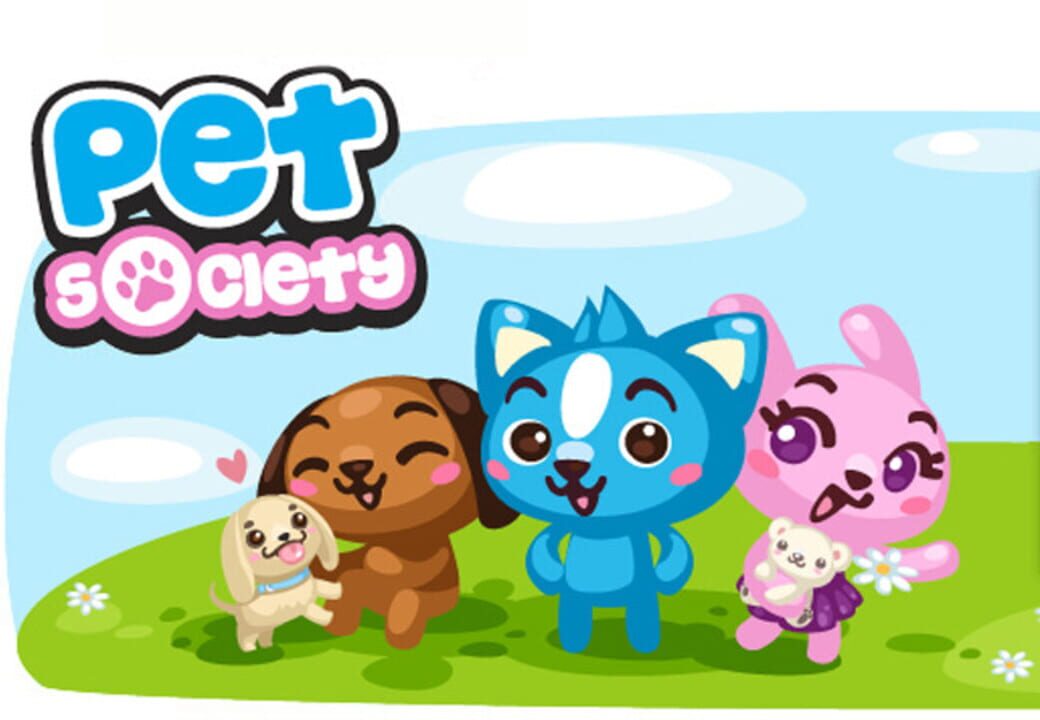
Pet Society
Pet Society was the first mmo I ever played in 2009, alongside other Facebook classics like Farmville.
Want to play Pet Society in 2026? Well now you can using my guide!
1. Download these: (everything is safe to download!)
The Pet Society for Windows folder https://drive.usercontent.google.com/download?id=1ODrF11HTS30jIhAz73wkUcRJRSCXUCVX&export=download
Adobe Air (this is used to open the server) https://airsdk.harman.com/runtime
and a browser that still uses Flash; I recommend this one: https://github.com/radubirsan/FlashBrowser
2. Unzip the compressed PS folder and download the nofil Pet Society server and PSE Windows
3. Go to the wwwroot folder and find mongoose, you should have this app open for Pet Society to run; so check your ‘hidden icons’ if you have mongoose on.
4. The server should popup on your desktop as ‘Main’ with an image of the Mayor on it. From here, there are steps you can follow to get a Pet Society game running!
5. Click the database and load it. It should say: http://localhost/assets/YMtWIOks1W
6. Once database has been loaded, Click profile. In your Pet Society folder, you will see NOFIL files which act as player files. You can overwrite any of them OR use the one named: ‘New Pet’ to create your own.
7. Start the server on your flash browser! Type in: localhost, and click where it says: SuperMarioBrosTheme.html, this is where your game is being hosted. Afterwards, you'll see Pet Society's loading screen. If you get an error, you might have to try a different .nofil profile
8. Finally, you get to play Pet Society again after it’s shutdown! Have fun and Enjoy :) and YOU can have me as your neighbor, download my .nofil Pet here: https://drive.google.com/file/d/1BK_cgkyvFpkDYkANp_EG5Rvo2qrbnsxF/view?usp=sharing
add me to your friends list! :D

BONUS TIPS AND TRICKS
You can SPAWN anything in the game to your inventory! In Profile Settings, just look up which item you want via the database, copy&paste it to the Items box in Magic, click ‘validate names’ and ‘create item’ to have the item sent to your Chest/inventory!
^Most of the time, saving your game is trial and error; some items you may have bought or obtained will be glitched in your inventory, or your rooms/outfits won’t always save either!